EquationDrawer | 100% Pen ✏️
⌨️ Keyboard Controls:
- Zoom left-right (X coordinate): Ctrl + ←/→
- Zoom up-down (Y coordinate): Ctrl + ↑/↓
- Scroll: Shift + ←/→/↑/↓
- Hide/Show guides: G
- Change snap modes: S
- Enable/disable editor: E
- Move the mouse cursor to see the coordinates.
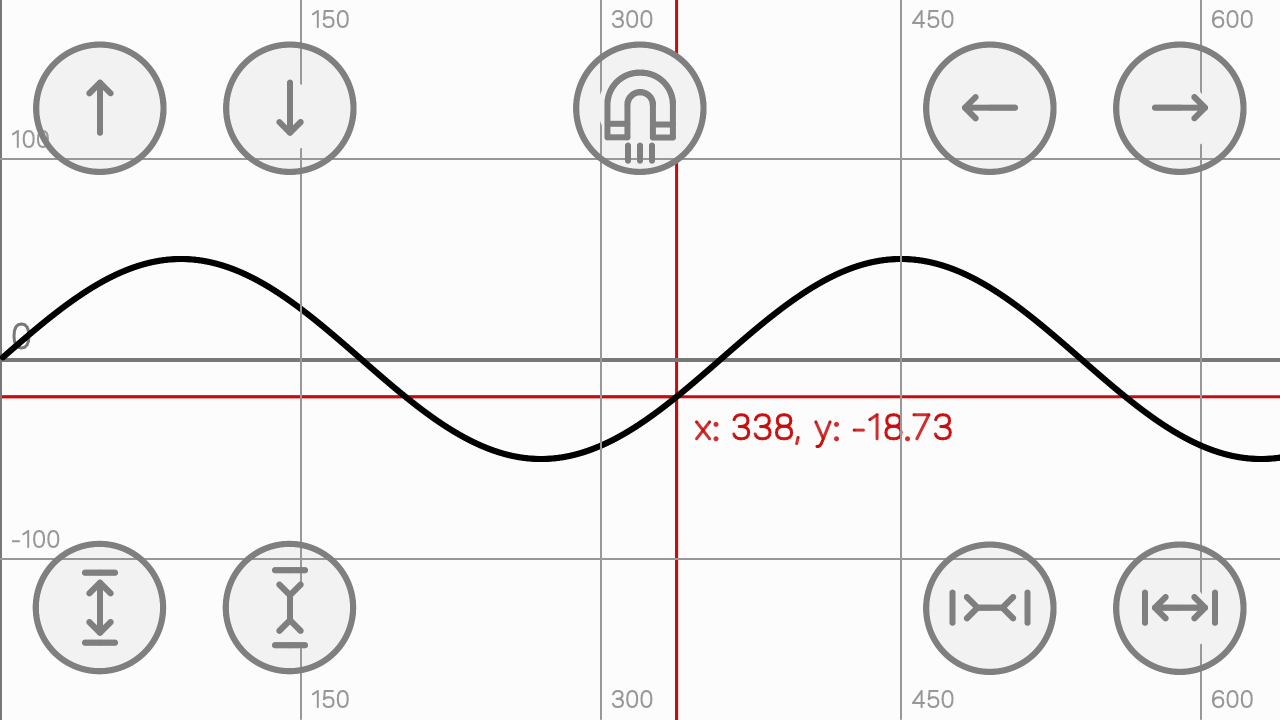
⚪ Tactile Controls:
- Buttons above: scroll
- Buttons below: zoom
- Change snap modes: the button up in the center
- Press and hold to see the coordinates of that location.
🧲 Snap methods:
- Approximation to integers
- Approach to guide lines
- Cursor to graphic
⚙️ Configuring (only Scratch/Turbowarp): To display another formula in the graph, go to the "Math" object and find the pink custom block and type the corresponding equation. You can find the variable X in the "Variables" section of the block palette.
⚠️ Important Notes: In tactile mode, you can't see zoom or scroll status information. If your device can't keep up with the project, reduce frame rate. There are several bugs pending correction:
- Performance on touch devices
- Fix nodes snap
- Add editor in tactile mode
Work better in:
🔗 Scratch
--------------------------------------------------------------------------------------------------------
✅ Updates:
- 13 jul 2025: Shared
- 21 jul 2025: X Coords fixed
- 20 sept 2025: Y Coords fixed, changed the names of lists, modifiable function, changed the animation of buttons, changed the animation of thumbnail and adding guides (beta)
- 23 sept 2025: Added 3 types of snap in PC mode
- 27 sept 2025: Added the snap in tactile mode and a green flag. If you click the green flag after stopping the project, it will start again!
- 30 sept 2025: Fixed more guide bugs and more Y coordinate bugs.
- 5 oct 2025: Fixed a slight bug in snap mode 1 when scrolling.
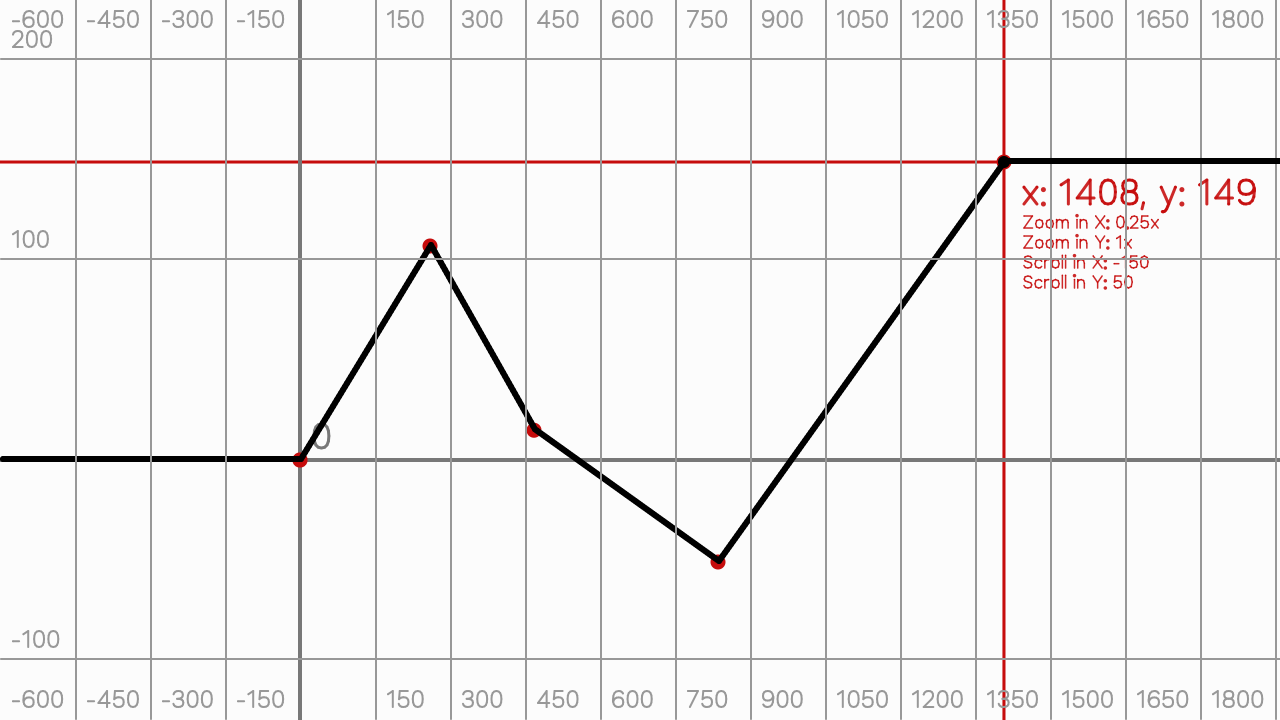
- 3 mar 2026: Shared Gen 2, with editor mode with nodes and snap on PC, removable nodes, sound effects, added Credits object and changed thumbnail.